
Key2Host Cloud Server (KCS)
High-performance cloud servers with full KVM virtualization.
Choose Intel or AMD nodes, scale resources on demand and manage everything in our customer panel. IPv6 is included, IPv4 is optional.
incl. VAT / month
Our Locations
Enterprise-Grade Infrastructure
We deploy our infrastructure in carefully selected European data centers with strong physical security, redundant power and connectivity, and high availability design.
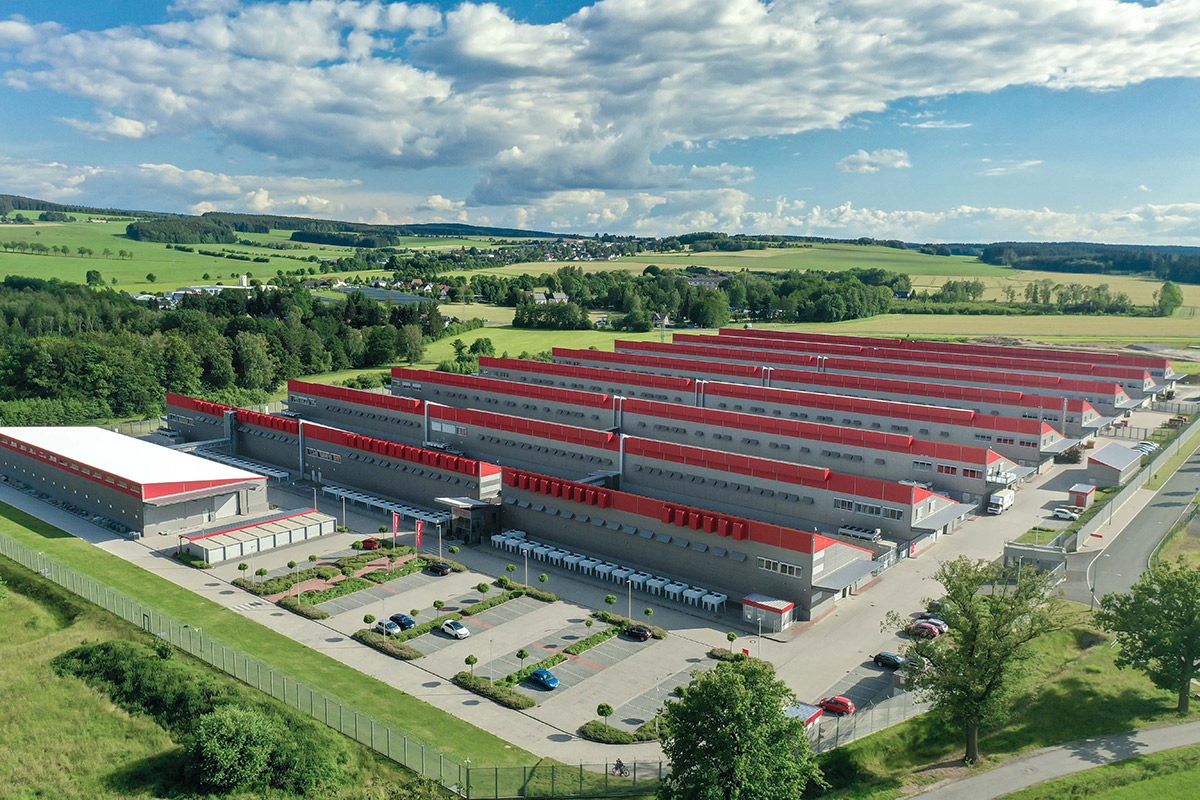
Germany
Falkenstein
Hetzner Data Center Park
High-security campus built for availability. Redundant power feeds, multi-carrier connectivity and controlled access make it a strong foundation for production workloads.
Security
Access control, monitoring, 24/7 operations.
Redundancy
Redundant power paths and resilient design.
Connectivity
Carrier-neutral, multiple upstream providers.
Compliance
ISO-aligned operational processes.
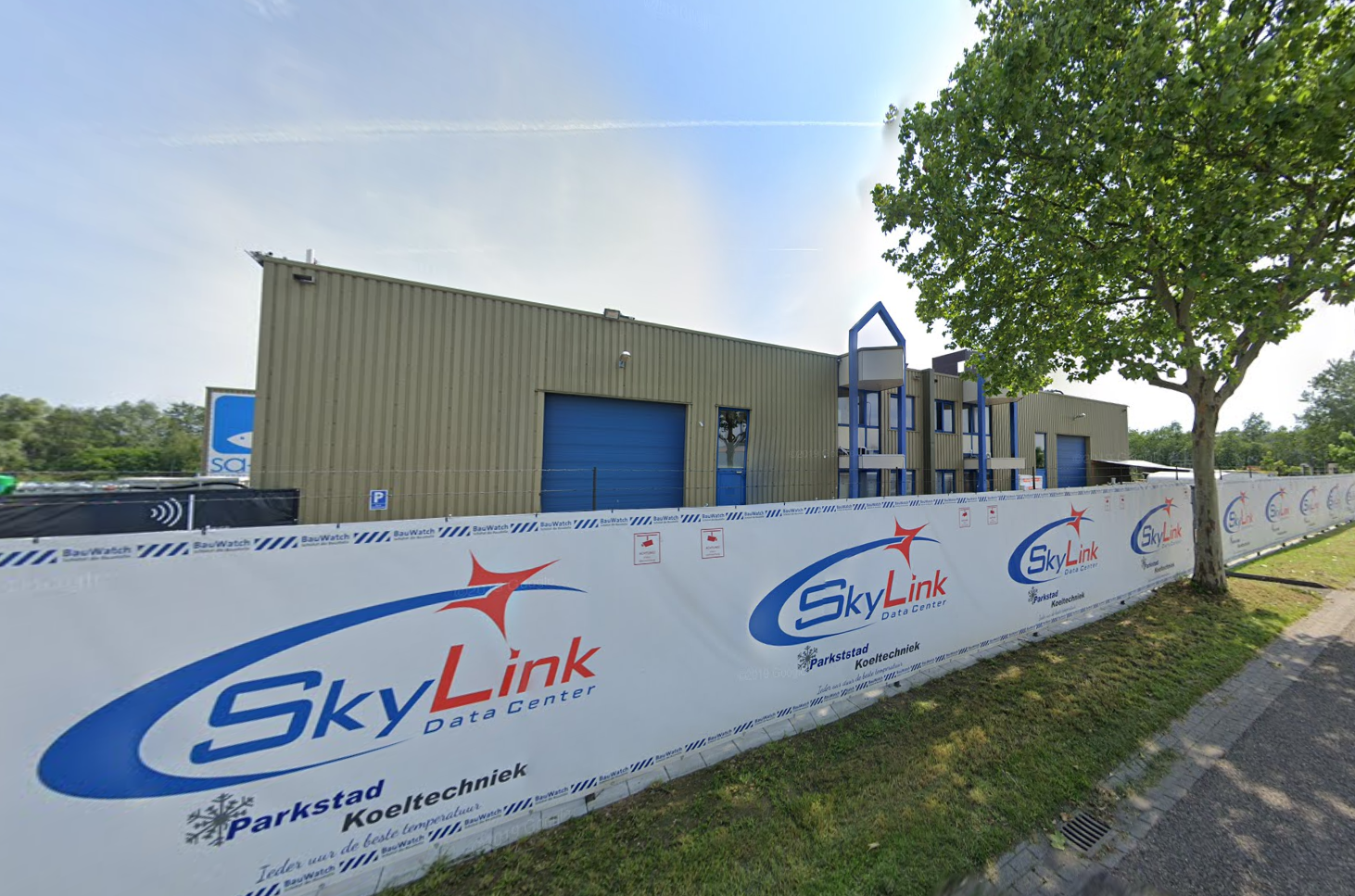
Netherlands
Eygelshoven
Skylink Data Center
Low-latency connectivity across Western Europe with redundant uplinks, secure colocation areas and climate-controlled environments for stable long-term operation.
Physical security
Controlled entry and isolated areas.
Redundant fiber
Multiple paths for resilience.
Cooling
Efficient, climate-controlled operation.
Sustainability
Energy-aware operations (where available).
Detailed metrics
Your server statistics are monitored in real time and displayed in the customer center.
Network
Upload / Download
6.0 Mbps
3.0 Mbps
System
CPU and RAM
Intel or AMD. Same panel. Same KVM.
Choose Intel for stable all-round performance, or AMD for strong compute density.
Both offer full KVM virtualization and NVMe-backed storage.
Platform details
AMD KCS
Great for compute-heavy workloads, CI/CD, containers, and scaling.
CPU
AMD EPYC (latest available nodes)
Virtualization
Full KVM, high single-core + multi-core performance
Storage
NVMe-backed volumes (tier dependent)
Network
IPv6 included, IPv4 optional
Use cases
CI/CD, containers, compute-heavy workloads
Included
Console access via panel
Reinstall and reset
Power actions (start/stop/reboot)
Firewall and DDoS controls
Best fit
Compute dense
More headroom for parallel workloads.
Security
Firewall auf Netzwerkebene
With our cloud servers, you have the option of keeping attacks at bay at the network level.
To do so, use our proprietary firewall in the customer center.
Settings
Firewall
Enable inbound and outbound filtering.
DDoS protection
Network-layer mitigation (when available).
Allow ICMP
Ping and diagnostics.
Default inbound policy
Default outbound policy
Inbound
| Name | Proto | Port | Source | Action |
|---|---|---|---|---|
| SSH | TCP | 22 | 245.178.201.134 | DENY |
| HTTP | TCP | 80 | 134.267.190.223 | ALLOW |
| HTTPS | TCP | 443 | 223.156.289.112 | ALLOW |
Outbound
| Name | Proto | Port | Source | Action |
|---|---|---|---|---|
| All Outbound | ANY | * | - | ALLOW |
Ready?
Deploy your first KCS in minutes.
Pick Intel or AMD, configure resources, and manage everything in the panel.