
High-performance cloud servers with full KVM virtualization
Choose Intel or AMD nodes, scale resources on demand and manage everything in our customer panel. IPv6 is included, IPv4 is optional.
incl. VAT / month
Operating Systems
Our cloud servers support a selection of modern operating systems for different deployment needs - from lightweight Linux environments to enterprise-ready Windows workloads.
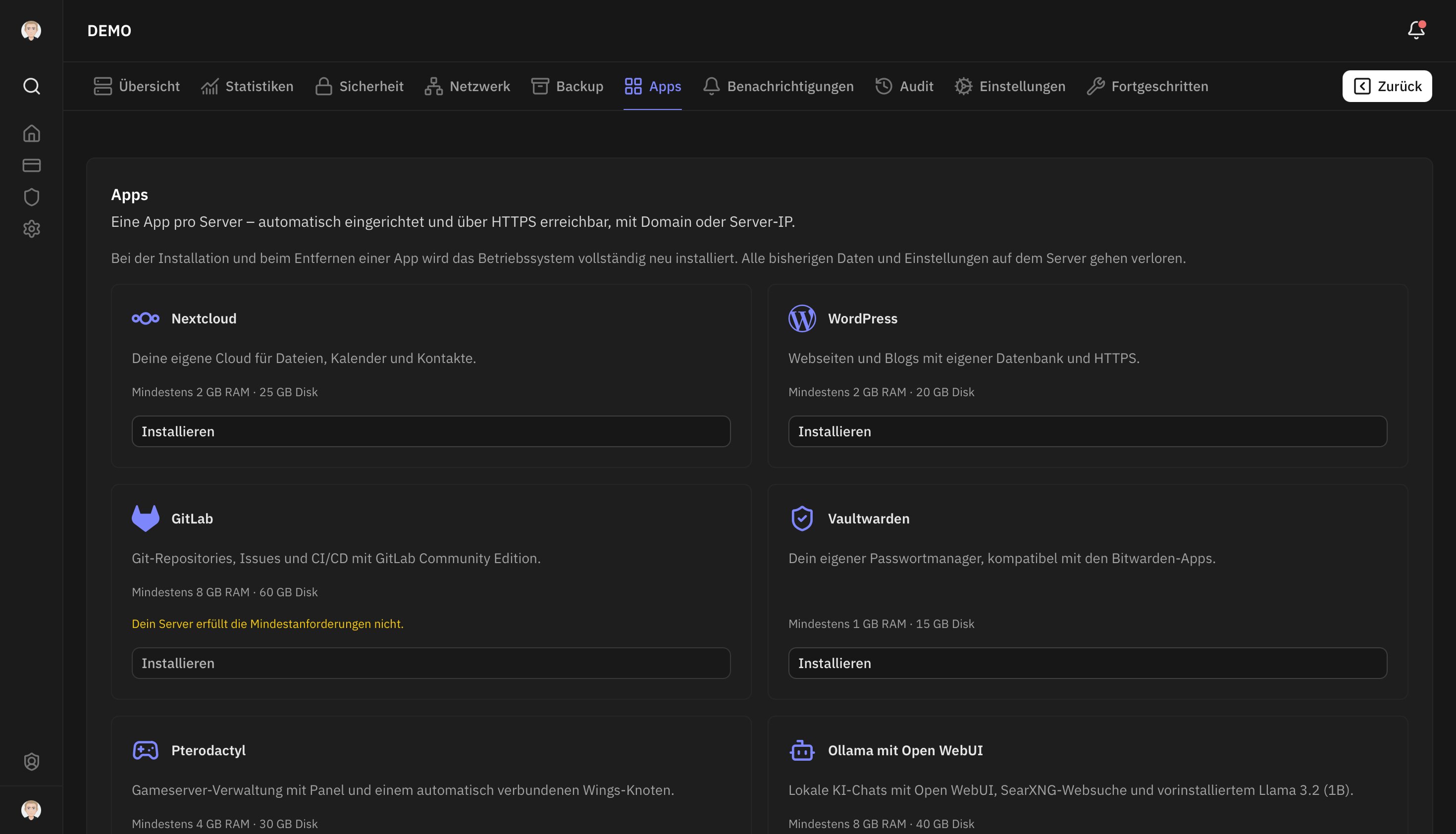
Your application. Deployed automatically.
Install popular applications directly from the customer panel. Key2Host automatically configures the operating system, application, HTTPS and the required firewall rules.
Choose an app
Select the application that fits your server.
Install automatically
Follow the entire deployment live in the customer panel.
Manage centrally
Credentials and status are available directly on the server afterwards.
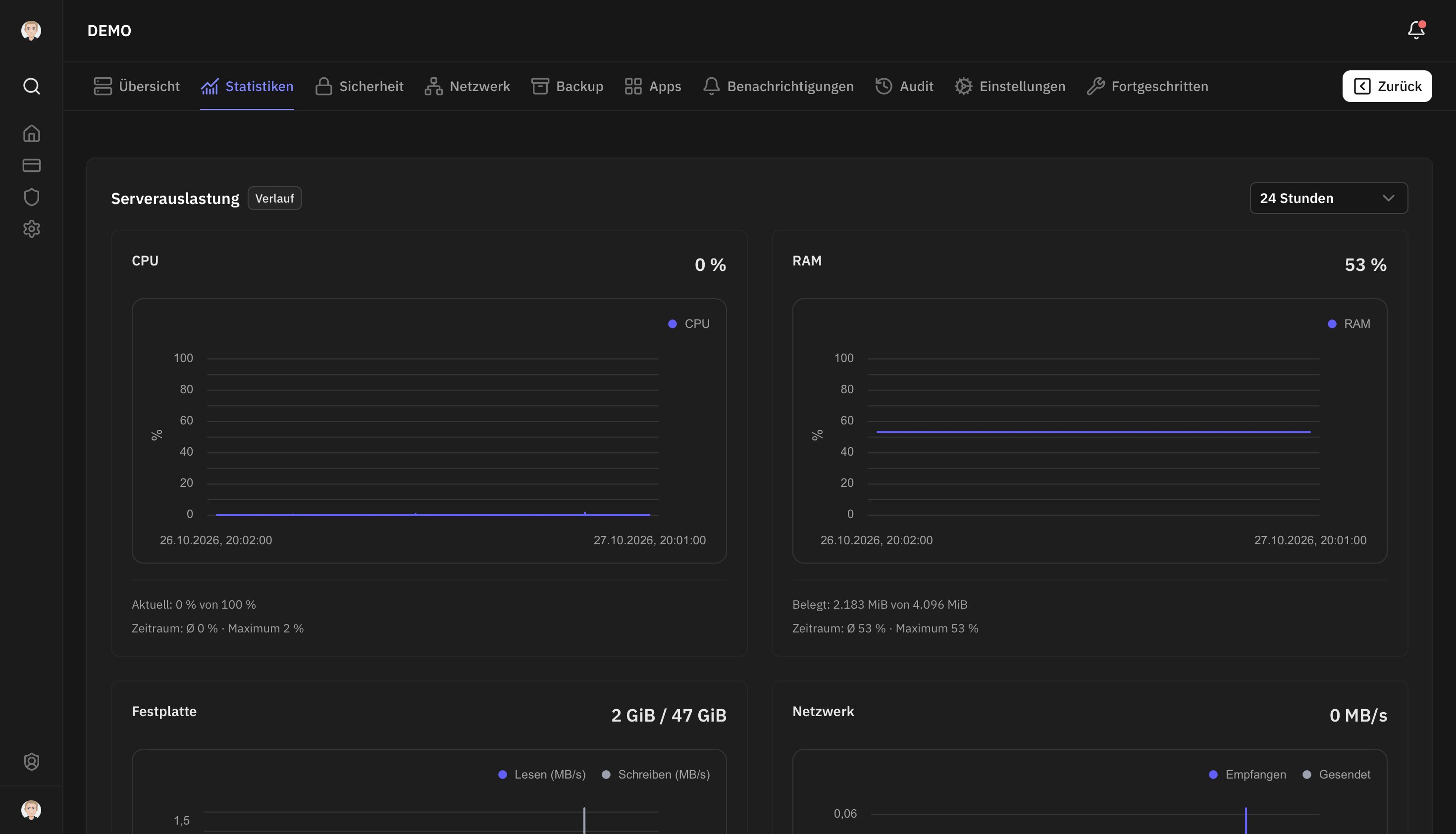
Detailed metrics
Your server statistics are monitored in real time and displayed in the customer center.
Network
Upload / Download
6.0 Mbps
3.0 Mbps
System
CPU and RAM
Intel or AMD. Same panel. Same KVM.
Choose Intel for stable all-round performance, or AMD for strong compute density. Both offer full KVM virtualization and NVMe-backed storage.
Platform details
AMD KCS
Great for compute-heavy workloads, CI/CD, containers, and scaling.
CPU
AMD EPYC (latest available nodes)
Virtualization
Full KVM, high single-core + multi-core performance
Storage
NVMe-backed volumes (tier dependent)
Network
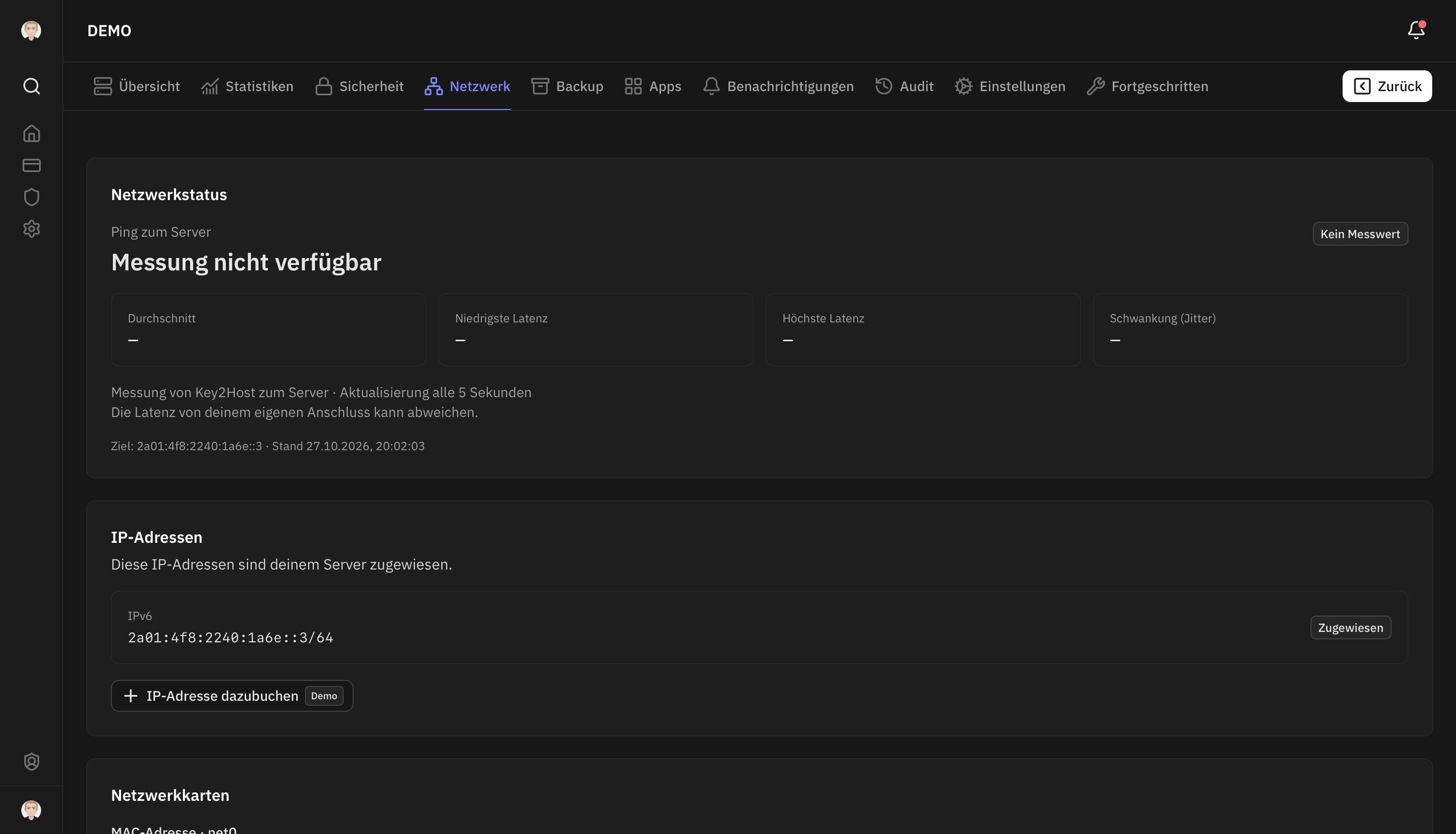
IPv6 included, IPv4 optional
Use cases
CI/CD, containers, compute-heavy workloads
Included
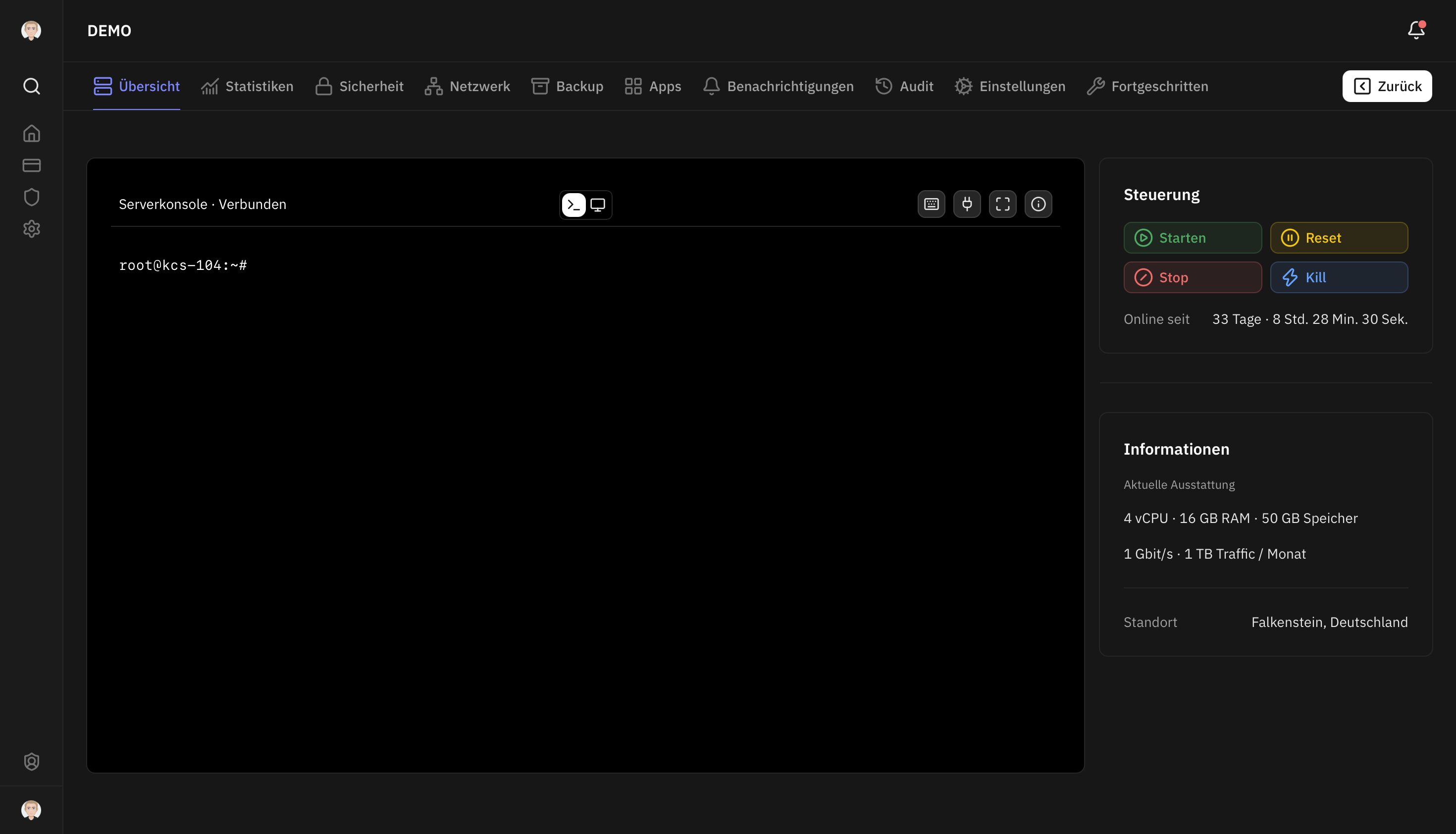
Console access via panel
Reinstall and reset
Power actions (start/stop/reboot)
Firewall and DDoS controls
Best fit
Compute dense
More headroom for parallel workloads.
Full root access
Your server. No limits.
Get complete control over your KVM server with full root access. Install any software, configure your system, manage networking and security, and interact directly via console or SSH – without restrictions.
Terminal access
Full root access via SSH and web console
Direct console access, even if SSH is unavailable
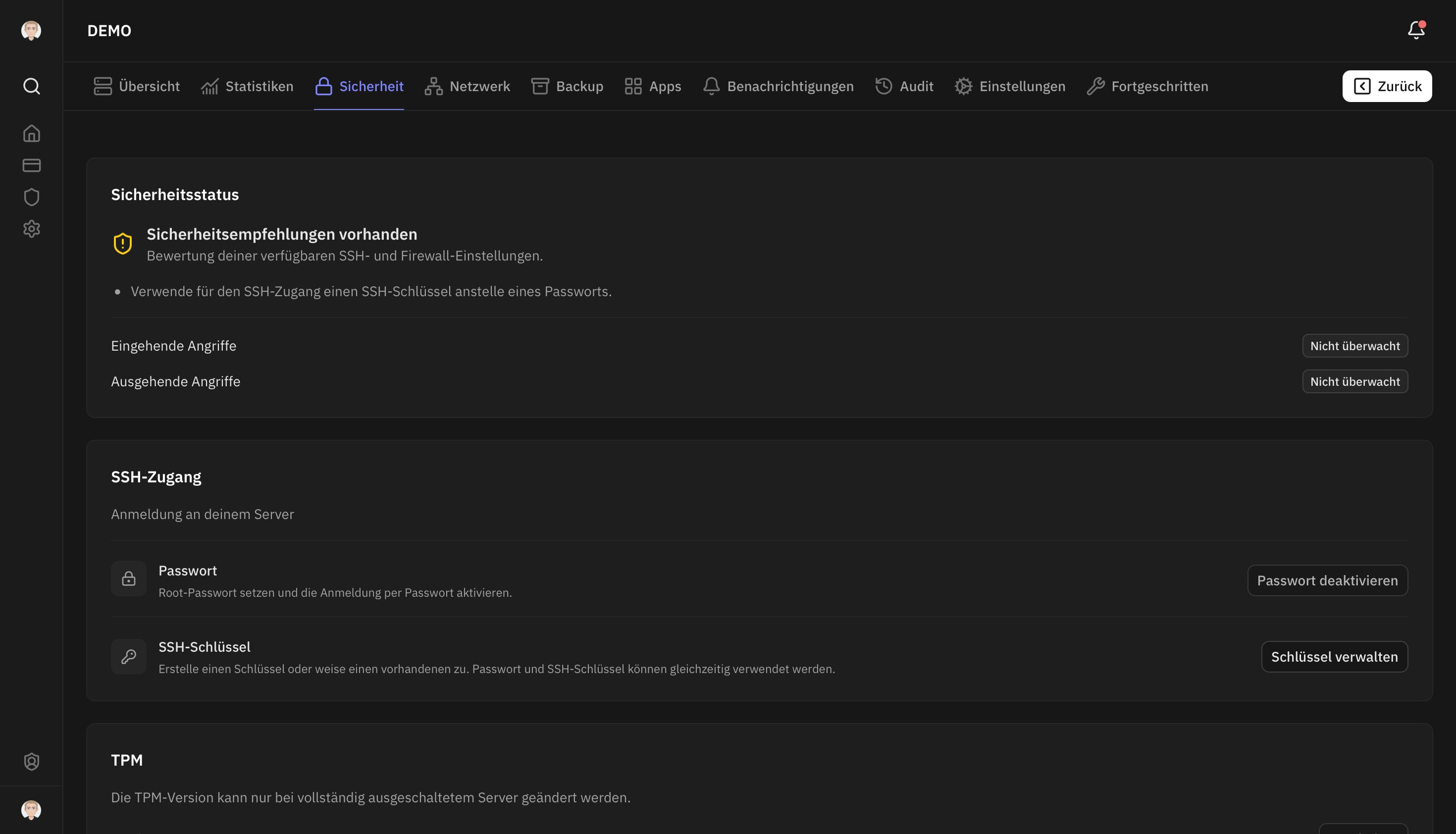
Use your own SSH keys and authentication methods
No command restrictions or disabled system features
Run any command, script or service without limitations
No restrictions. Just a real root shell.
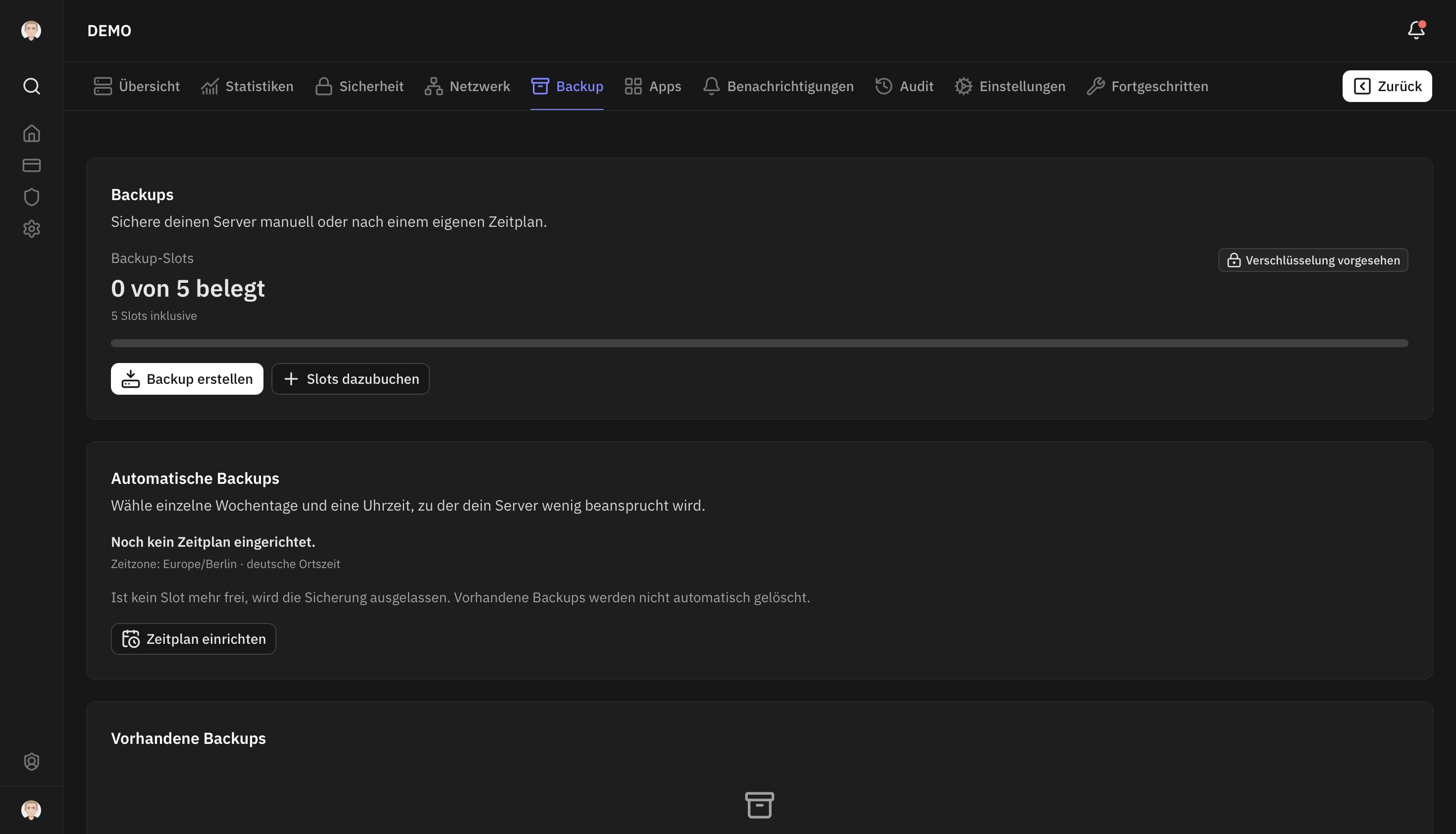
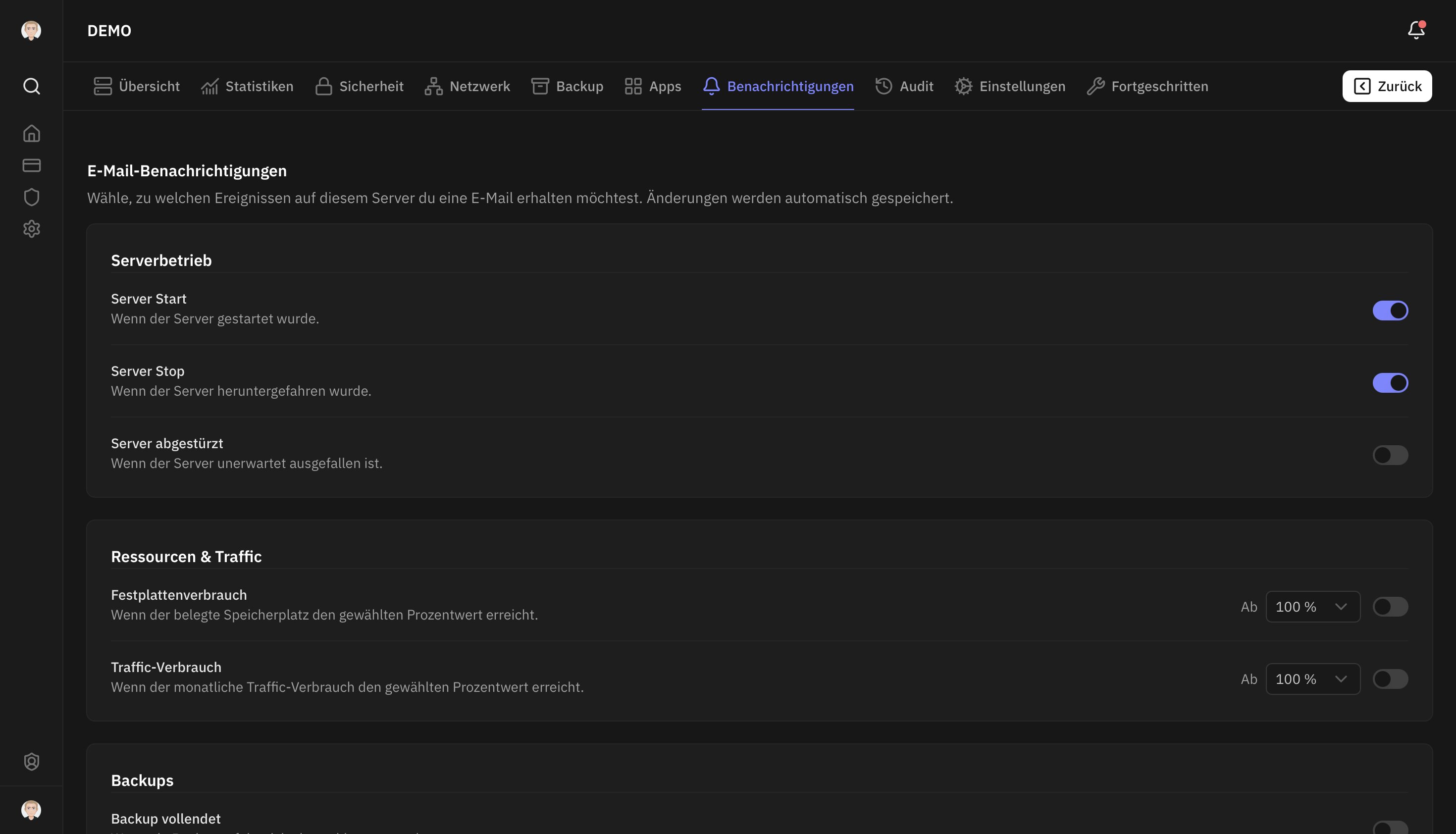
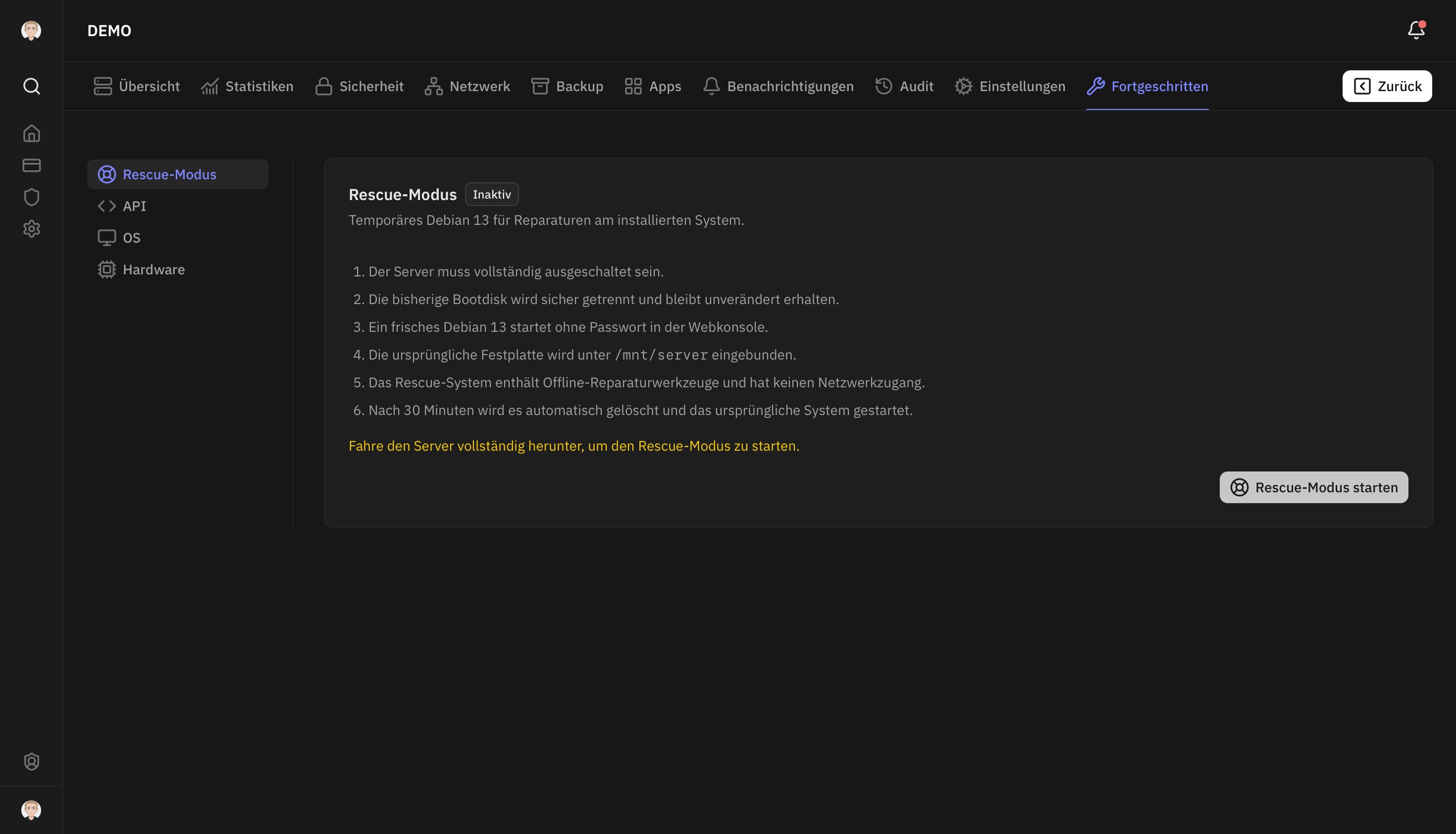
products.kcs.showroom.title
products.kcs.showroom.description
Security
Network-level firewall
With our cloud servers, you can stop attacks at the network level using our firewall in the customer center.
Settings
Firewall
Enable inbound and outbound filtering.
DDoS protection
Network-layer mitigation (when available).
Allow ICMP
Ping and diagnostics.
Default inbound policy
Default outbound policy
Inbound
| Name | Protocol | Port | Source | Action |
|---|---|---|---|---|
| SSH | TCP | 22 | 245.178.201.134 | Deny |
| HTTP | TCP | 80 | 134.267.190.223 | Allow |
| HTTPS | TCP | 443 | 223.156.289.112 | Allow |
Outbound
| Name | Protocol | Port | Source | Action |
|---|---|---|---|---|
| All Outbound | ANY | * | - | Allow |
Try it first, then keep going
Try your cloud server for seven days.
Try your service with limited features. Bring your first ideas to life and discover how easy it is to launch your project with Key2Host. Seven days free, with room for your ideas.
You need a verified account and a payment method already saved to your account.
During the trial, certain features are restricted and upgrades and downgrades are disabled.
No payment today. The subsequent monthly price is only billed after the seven days have ended. You can cancel in the customer center before the trial ends.
Each user can try the service only once. If you would like another trial period, you can arrange this with support.
Ready?
Deploy your first KCS in minutes.
Pick Intel or AMD, configure resources, and manage everything in the panel.